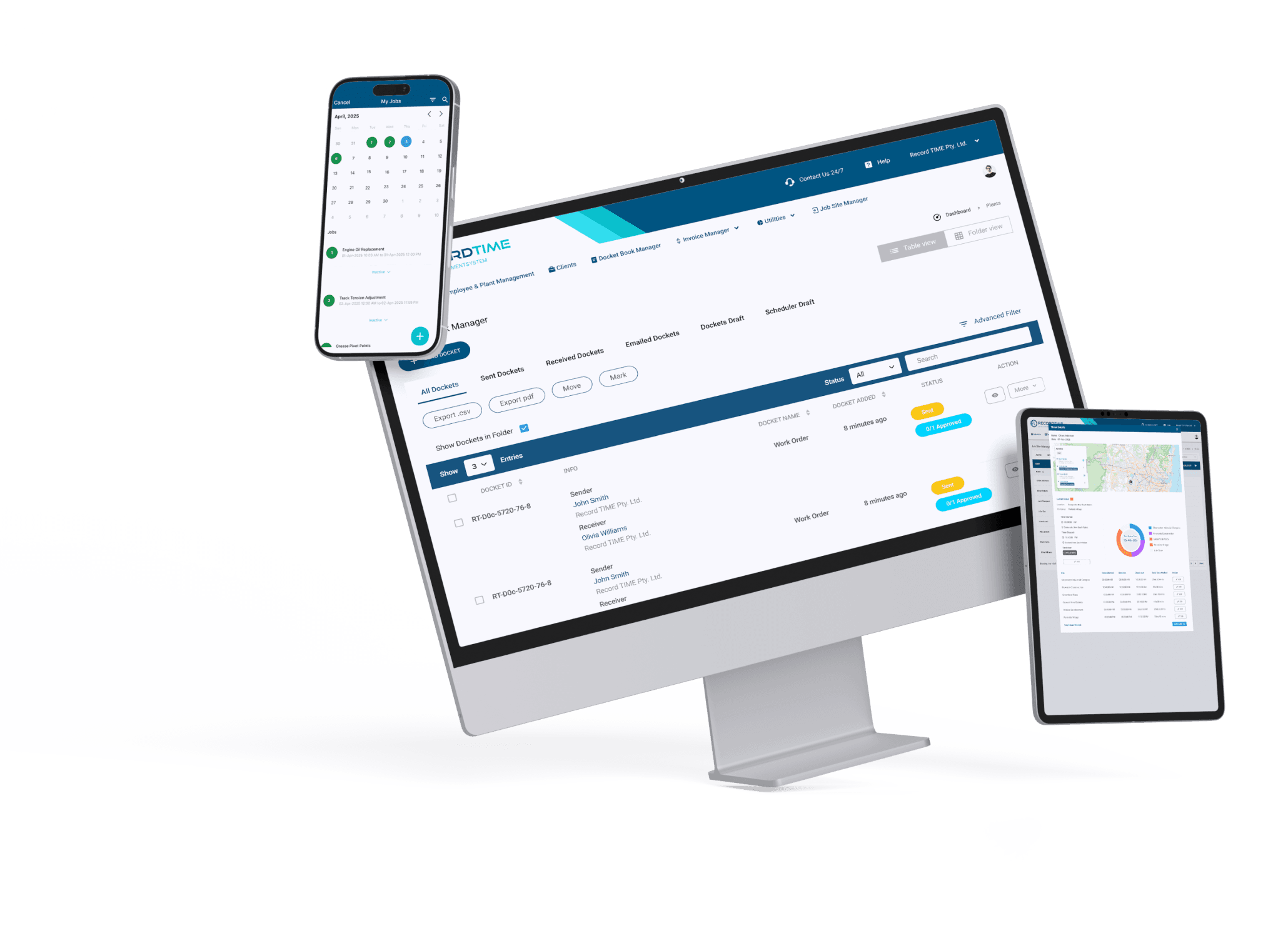
Add all your licenses and qualifications in one place

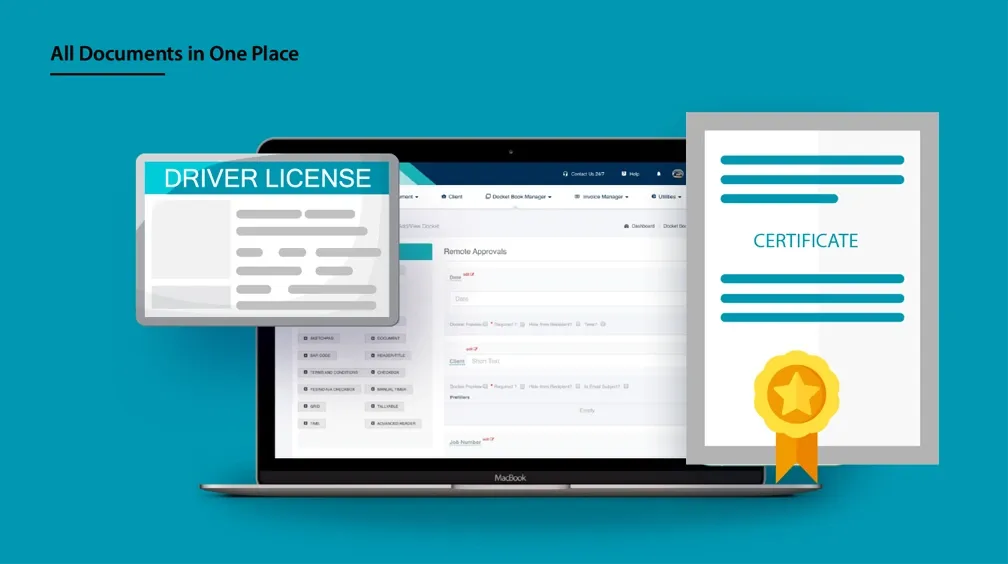
It is common for job sites these days to ask for various qualifications you may have. For example, some may ask for your asbestos awareness certificate, your driver's license and more. Further, governments have also begun asking for proof of covid-19 vaccinations. Most states require workers to have had at-least 1 shot of the vaccination and booked the second, in order to operate at a job site. Below, we show you how you can use Record TIME’s brand new feature to track and add various types of qualifications to your account. It is a simple process and you can use the app to accomplish this.
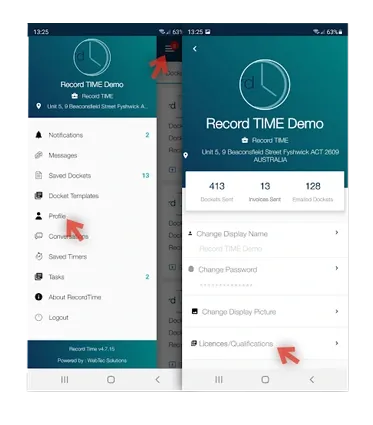
HOW TO ADD LICENCES / QUALIFICATIONS TO YOUR ACCOUNT:
- 1. Open the app and tap the 3 horizontal lines in the top left corner
- 2. Tap "Profile"
- 3. Then tap the section titled "Licences/Qualifications"
- 4. Press the blue "+" button to input your first document
NB: You can share your documents with your employers over multiple companies & as well as yourself. Save documents as PDF’s for printing or just safe keeping
Easy Access

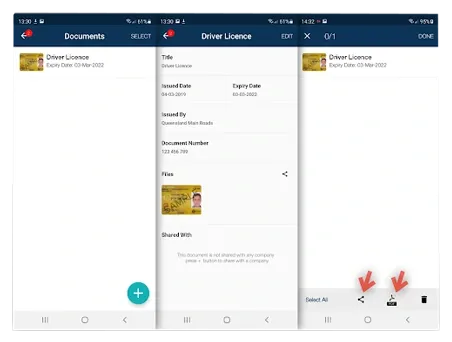
Documents are stored on a user's account. Access all your licences / qualifications / certificates by heading to your profile tab in the Record TIME app.
Share your documents
For convenience, share your documents with your employers or even yourself. Documents can be saved as PDFs for printing or just safekeeping.
Edit details easily
Update: expiry on licences, latest vaccinations dates, etc. without having to create a new document
As you can see above in the second image, you have the option to generate a PDF document out of all of your qualifications. This allows you to share everything in one go, without having to spend too much time organising it. We hope you find this feature useful and if there is anything else you would like to know, just get in touch with us.
Get the Record TIME app today.
Download our simple job management app today for less admin and more work.


No credit card required. Cancel anytime.